Yusheng – AI Voice Keyboard
Talking is faster. Voice typing and speech to text with punctuation, paragraphs and filler words handled for you.
 iPhone version coming soon
Screenshots
Features
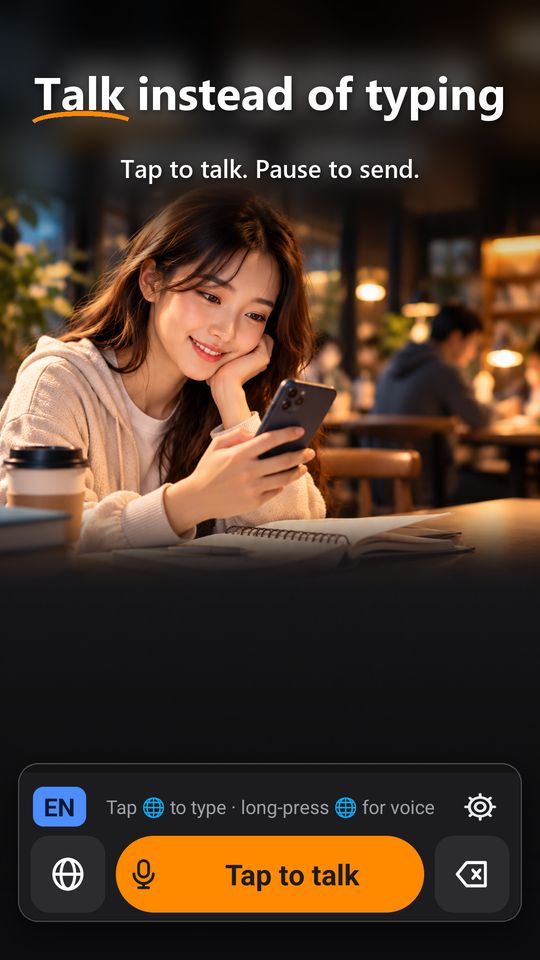
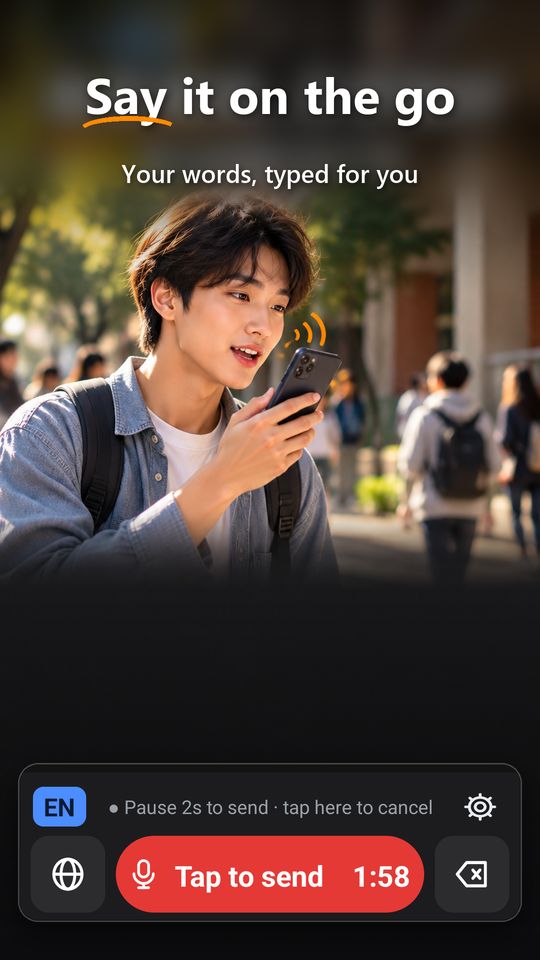
- Tap once and talkDictation made easy: tap once and talk. Pause when you are done and your words are typed for you. Prefer hold-to-talk? Switch it in Settings.
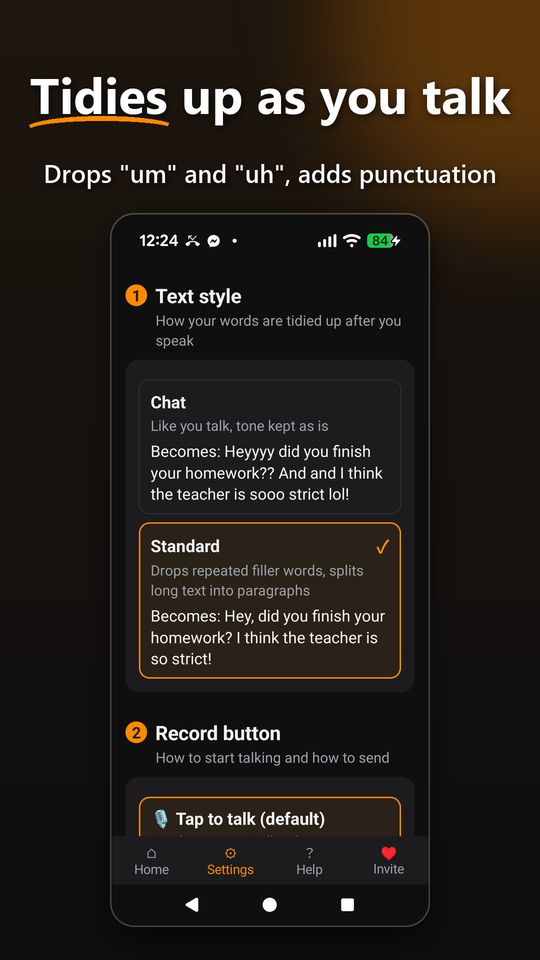
- Punctuation and paragraphs, automaticallyPunctuation, line breaks and paragraphs are added automatically, and fillers like "um" and "uh" are removed.
- Chinese voice typing, built for TaiwanChinese voice typing in Traditional Chinese with Taiwanese wording, mixed Chinese and English, and a one-tap switch to Simplified Chinese. The app is also available in English.
- Misheard a word? Fix it on the spotOpen the fix keyboard (letters, numbers and Zhuyin) and correct it. Names, places and accents you fix are remembered, so it gets more accurate the more you use it.
- Offline? Nothing is lostYour recording is saved on the phone and sent automatically once you are back online.
- Thoughtful detailsIn landscape on phones, only one big button is shown. Voice is turned off in password fields.
Who it is for
- People who find typing slow and would rather talk to reply to messages, jot down notes or fill in forms.
- People who are busy with their hands, such as while walking or cooking.
- People who mix Chinese and English, or whose messages contain many names and places.
- It works in any text field, such as chat apps, web forms and notes.
FAQ
Is it free?
Yes, with a free allowance. Paid plans give you more; see the Me tab in the app for details. Punctuation and formatting are not counted.
Do you store what I say?
No. The server does not store your voice or the recognized text.
Does it need internet?
Yes. When you are offline, your recording is kept on the phone and sent when you reconnect.
Is it a talk to text app?
Yes. Yusheng is a speech to text app and a voice keyboard: talk to text in chat apps, web forms and notes.
Who is the Android voice keyboard for?
People who reply to messages, jot down notes or fill in forms on their phone, and find typing slow or have their hands full.
Which phones?
Android and iPhone.